Sign In to Your 2888pet Account
Your 2888pet account connects your JazzCash, Easypaisa or Raast wallet to the full lobby — slots, live tables, and sports markets including PSL and international cricket. Access is available where local law permits.
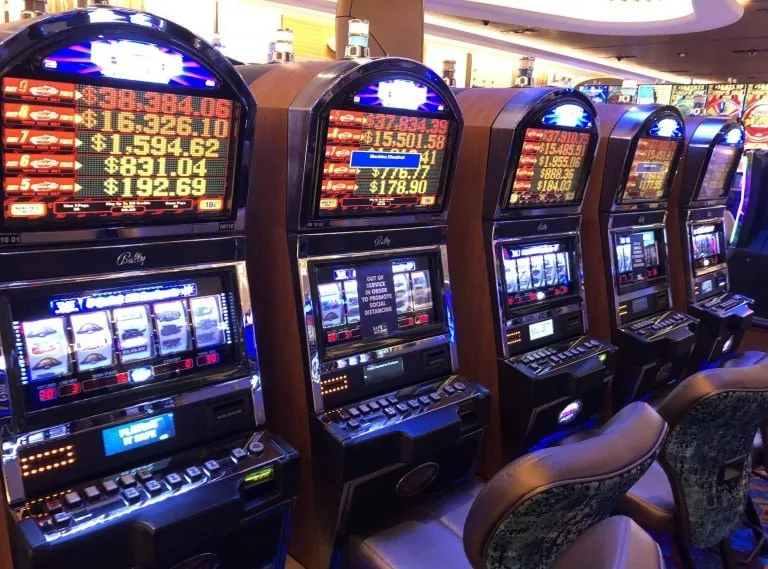
How We Protect Your 2888pet Account
Account security on 2888pet runs through several layers. OTP-based login means no static password sits on a server waiting to be compromised. Every session uses SSL encryption between your device and our platform. Identity verification on new devices adds a second check before your wallet is accessible. We do not share your personal or payment data with third parties outside of what is needed to process your local wallet transaction.
SSL Encryption
Every login session and wallet transaction runs over SSL. Data between your phone and our servers is encrypted end-to-end, whether you are on mobile data or Wi-Fi.
OTP Authentication
We use one-time PINs sent to your registered mobile number instead of static passwords. Each OTP expires after a single use, so old codes cannot be reused.
Identity Verification
New device logins and withdrawal requests trigger an identity check tied to your registered number and wallet details before any account action is completed.
Data Protection
Your personal details and payment information are handled under our data protection policy. We do not store full card numbers and do not sell account data to third parties.
What to Expect When You Log In
Returning to 2888pet on mobile takes seconds. Enter your registered phone number, receive a one-time PIN via SMS, confirm it, and you land straight in the lobby. Your account wallet balance, any active promotions, and your recent game history — including Crash Turbo and Roulette Express — are all visible from the dashboard without extra
navigation. If you are signing in from a new device, we run a short identity check: you confirm your registered number and verify the OTP before the session opens. This keeps your wallet and withdrawal history protected. For account recovery, our support team can verify your identity through your registered mobile number and wallet details.
We do not store card numbers or full payment credentials on your account — deposits route through your chosen local payment app directly.
-
OTP Login Flow Enter your phone number, get an SMS PIN, confirm it. No password to remember — your registered mobile number is your key to the account on any device.
-
New Device Check Signing in from a different phone triggers a quick identity step. Confirm your registered number and OTP before the session opens, keeping your wallet secure.
-
Account Recovery Lost access? Our support team verifies your identity through your registered mobile number and linked wallet details to restore account access.
-
Wallet Continuity Your JazzCash, Easypaisa or Raast deposit history and current balance carry across every device. Switch from phone to browser and your wallet stays exactly where you left it.
Account
Returning to 2888pet on mobile takes seconds. Enter your registered phone number, receive a one-time PIN via SMS, confirm it, and you land straight in the lobby. Your account wallet balance, any active promotions, and your recent game history — including Crash Turbo and Roulette Express — are all visible from the dashboard without extra navigation. If you are signing in from a new device, we run a short identity check: you confirm your registered number and verify the OTP before the session opens. This keeps your wallet and withdrawal history protected. For account recovery, our support team can verify your identity through your registered mobile number and wallet details.
Open Your AccountYour details are encrypted for secure account access.
Get Help With Your Login
If your login is not going through — wrong OTP, locked account, or a new device check that is not resolving — our account support team can step in. Reach us through live chat inside the app, by email, or through our WhatsApp line. Have your registered phone number ready when you contact us; that is how we verify your identity before making any account changes.
Live Chat
Open the chat icon inside the 2888pet app or browser lobby. Our team picks up account login queries and wallet issues directly through the chat window.
WhatsApp Support
Send your account query to our WhatsApp support line. Share your registered number and describe the login issue — we respond and verify before any account action.
For account recovery or detailed wallet queries, email our support address. Include your registered phone number so the team can locate and verify your account.
Deposit and Withdraw via Local Wallets
Once you are signed in, your payment options sit in the account wallet tab. We support JazzCash, Easypaisa, Raast, standard bank transfer, and debit card for deposits and withdrawals where available. Open your JazzCash or Easypaisa app, send to the account number shown in your wallet panel, confirm with your PIN, and the balance reflects in your 2888pet account. Raast transfers follow the same path through your bank app. Withdrawals go back to the same wallet you deposited from, and our team verifies the destination before releasing funds.
JazzCash
Send from your JazzCash app to the number shown in your wallet panel. Confirm with your mobile PIN and the deposit reflects in your account balance.
Easypaisa
Open Easypaisa, enter the account number from your wallet tab, confirm the amount and PIN. Withdrawals return to your Easypaisa wallet after verification.
Raast
Use Raast through your bank app to transfer directly. Enter the Raast ID shown in your wallet panel and confirm from your banking app.
Bank Transfer
Standard bank transfer is available for deposits and withdrawals. Account details appear in the wallet panel once you are signed in.
Debit Card
Debit card deposits are supported where your bank allows it. Enter card details in the secure payment form inside your account wallet.
Common Questions About 2888pet Login
Quick answers to what Pakistan account holders ask most about signing in, OTP issues, and wallet access after login.
2888pet Login
Service availability depends on eligible regions and local law. Users should check local rules before opening an account.
Access may be available only where local law permits.